Why Email Orders Still Get Keyed by Hand, and What Automation Has to Handle
Reading a PDF purchase order is the easy part. Customer, item, price, unit, and change-order exceptions decide whether email order automation works.
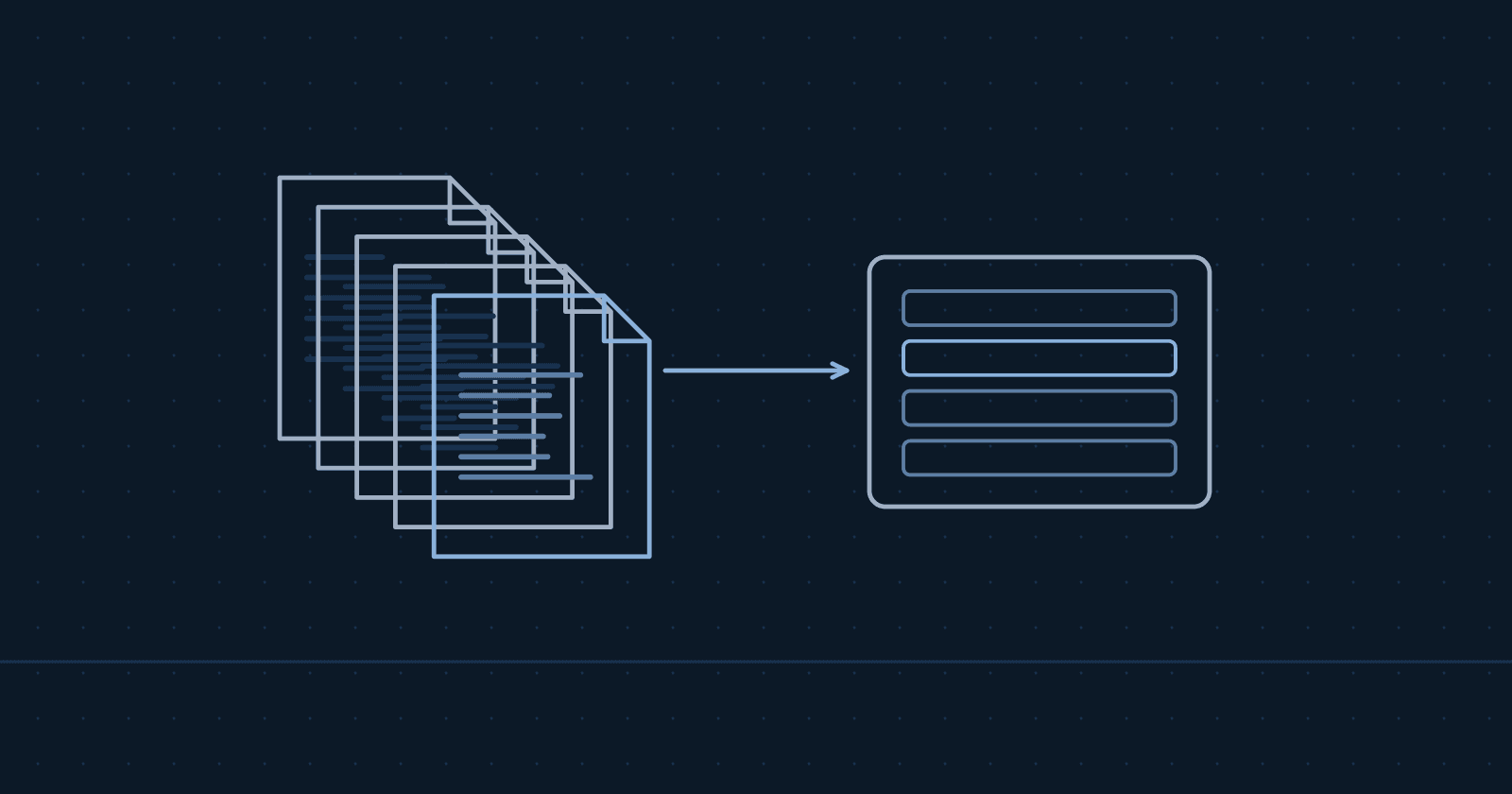
Software has read PDFs well for years. Orders still get keyed by hand because of what happens after the read: the customer who isn't matched, the part number nobody recognizes, the price that changed last week. An order intake project succeeds or fails on those exceptions. Count yours for one week before you choose a tool.
At many order desks, Monday starts with an inbox. There are PDFs from regular customers, a spreadsheet from the buyer who has always sent one, and a forwarded email with three part numbers typed into the body. Each one gets opened, read, looked up, and keyed. The typing is the visible part. The judgment calls between the steps take most of the time.
Reading the PO is the solved step
Most companies that take orders by email get them in every shape. One commenter in a manufacturing forum put it this way: "Everyone uses a different PO format, even down to the file type. You could get a PDF, word Doc, Online Release and even an Excel or a phoned in PO all in the same day." (r/manufacturing, 2025, practitioner discussion)
Current AI models handle that mix. They pull the header and line details from a scanned PDF, a spreadsheet, or a free-text email with good accuracy. The market has noticed. Distribution Strategy Group's 2026 report on AI in distribution ranks email order automation first among customer-facing AI uses and calls it "easily measurable" (DSG, State of AI in Distribution 2026).
So why is the order desk still typing? Because extraction gives you fields. The ERP needs a correct order. The gap between the two is a set of decisions your people make many times a day without writing them down.
The five exceptions that define the project
Every order that gets keyed by hand today passes through some version of these checks. An automation has to make the same checks, or send the order to a person who will.
| Exception | What it looks like | What the automation needs |
|---|---|---|
| Customer and ship-to | The PO comes from a buyer's personal email. The ship-to address is new, or spelled differently from the one on file. | A match against your customer master, with a rule for new ship-to addresses (hold for review, or create as a draft) |
| Item | The customer uses their own part numbers, an old SKU, or a description with no number at all | A customer-to-item cross-reference table, plus a review step for anything it can't match |
| Price | The PO price differs from your price list or the customer's contract price | A tolerance you set, and a rule for who approves a mismatch |
| Unit of measure | The customer orders "10 cases" and your ERP sells by the each, or the pack size changed | Unit conversions per item and per customer |
| Changes and duplicates | A revised PO arrives for an order already entered, or the same PO comes in twice | A check against open orders before anything new is created |
Price and item exceptions usually cost the most, because they surface late. A wrong ship-to tends to get caught at the dock. A price below contract or a substituted item can ship, invoice, and come back weeks later as a credit, a deduction, or an angry call. Catching those two on every line, before the order exists in the ERP, saves more than any speed gain from faster keying.
None of these is exotic. Each one is a judgment call your team makes from memory, and that memory is the real system. When an automation project skips the inventory of these rules, it reads the PDF correctly and still creates a wrong order.
Why tools stall at the exceptions
Point tools for order intake are good at extraction and at the common cases. They stall in three places:
- The cross-reference table is incomplete. Customer part numbers live in people's heads, in old emails, and in a spreadsheet one person maintains. The tool can only match what it has been given.
- The rules aren't written down. "Always ship this customer's orders from the east warehouse" or "never accept a price below contract without a call" are rules nobody has documented. The tool doesn't know them, so it either breaks them or sends everything to review.
- Corrections don't feed back. When a person fixes an unmatched item in the review queue, that fix should update the cross-reference so the same line matches next time. If it doesn't, the review queue never shrinks.
The third point decides whether the project pays off. A review queue that shrinks every week is working. A queue that stays the same size is a new manual step with a nicer screen. For how to budget review time and shrink it on purpose, see the oversight cost of AI agents.
What a working system has to do
Whether you buy, build, or combine the two, check for these:
- It creates draft orders, never posted ones. Orders arrive in the ERP through its own API or import process, as drafts, until your rules or a person approves them.
- Every line passes validation. Customer, item, price, and unit checks run on every line. Nothing posts to your ERP without passing your validation rules.
- Unclear orders go to a review queue. Anything below a confidence threshold, or failing a rule, stops for a person. The threshold is set from a sample of your real orders, not a vendor's average.
- Corrections update the cross-reference. A fix made once should not be made twice.
- Your current process keeps running if it fails. If the automation stops, orders keep flowing to the same inbox and your team keys them as they do today.
- It reports accuracy and exceptions. You should see, weekly, how many orders went straight through, how many went to review, and why.
These are the same commitments we build into our order intake automation work, one example of our AI and agentic automation engagements. They are a fair list to put in front of any vendor.
Count before you automate
Before you talk to anyone, count three things for one normal week:
- Orders by channel: email PDF, spreadsheet, free-text email, portal, phone, EDI.
- Minutes per order: time a handful from open to entered, including lookups.
- Orders that needed a person's judgment: a call back, a price check, an unmatched item, a duplicate.
Illustrative example. Numbers are hypothetical. A desk that takes 60 emailed orders a day at 6 minutes each spends 6 hours a day keying. If 15 of those 60 need a judgment call, automation handles the other 45 as drafts and the desk spends its time on the 15. That is the shape of the result to look for: the same people, working the exceptions instead of typing.
The manual work cost calculator turns your counts into an annual cost.
When automation isn't worth it
The same forum commenter added: "most people here can get an order from a customer fully into our system in just a few minutes." If your volume is low, your formats are consistent, and an order takes two minutes to enter, the payback is thin. Spend the money elsewhere. Automation earns its keep when volume is high, formats are mixed, or keying errors turn into credits and returns.
Buy a tool, build, or both
A point tool is the right answer when your formats are common, your ERP has a supported connector, and your exception rules are simple. A custom build makes sense when the rules are specific to your customers, the ERP needs a custom integration, or the order flow connects to other systems such as pricing or warehouse data. Many companies end up with both: a tool for extraction, and integration work around it for validation, the review queue, and the feedback loop.
Either way, the five exceptions above are the scope. Ask any vendor to show you how each one is handled on a sample of your own orders.
See it run
Our demo shows a sample distributor's PDF purchase order going through intake. Two lines are unclear, so the order stops for review. A person confirms one match, keeps the other line as written, and approves the order. Sample data, no client information.
Common questions
How accurate is AI at reading purchase orders? Extraction is accurate on most clean PDFs and spreadsheets. Accuracy on the whole order depends on your cross-reference data and rules, so measure it on a test set of your own past orders, not a vendor's benchmark.
Does order intake automation post orders straight to the ERP? It shouldn't at the start. Orders should arrive as drafts and pass validation rules, with unclear ones going to a person for review.
What do we need before starting? Access to the order mailbox, a test company or sandbox in your ERP, a few months of past orders with their ERP results to test against, and time from one or two people who know the exceptions.
Next step
If your order desk spends hours a day keying, book a 30-minute call. We'll go through your volumes, formats, and ERP, and tell you whether automation fits. It's a fixed price for a written scope, quoted after the call. How we work explains the steps.
Get new articles by email.
Practical notes on making AI pay off in mid-market operations. No spam. Reply to any email to stop.
Related reading
- Automation Finder: How to Choose the Right Automation Tools for Your Business in 2024How to choose automation tools for your business, with picks by industry and company size, an ROI calculation method, and the hidden costs to include.
- Business Automation Chicago: 7 Processes You Should Automate This QuarterBusiness automation Chicago growing companies use to win back time. 7 high-ROI processes to automate now with real cost savings and implementation steps.
- Build or Buy Software Now That Coding Agents ExistCoding agents cut the cost of writing custom software. Running it costs the same. How to compare build and buy over two years, and what to ask first.