You Bought the AI Seats. Why Didn't the P&L Move?
AI seats make one person faster at one task. Company results come from changing a whole workflow. A five-question test for one workflow, and where to start.
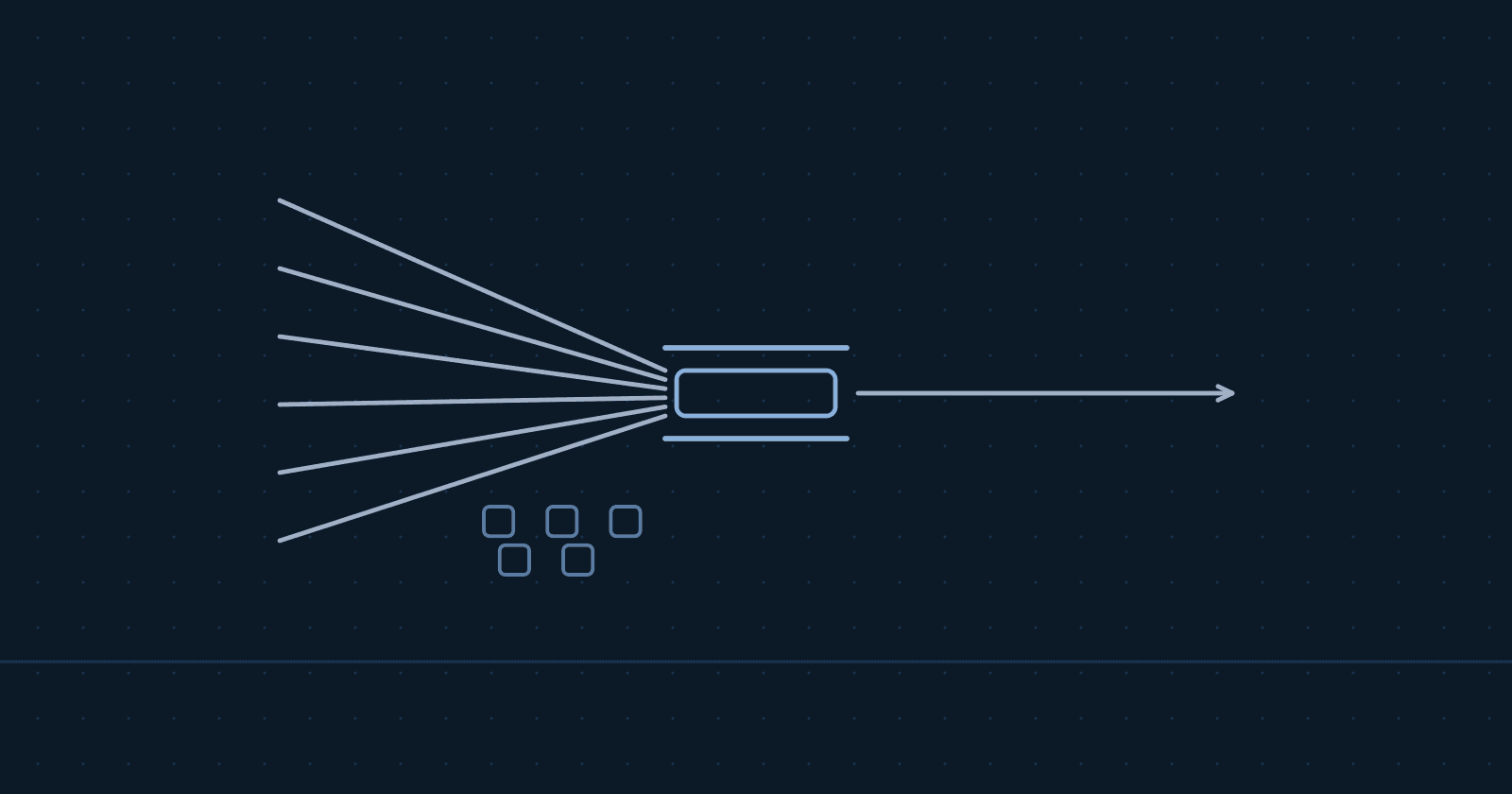
AI seats make one person faster at one task. Company results come from changing a whole workflow: how work arrives, moves between systems, gets checked, and gets reported. Measure one workflow, change it end to end, and report the result every month.
Picture the last twelve months at a mid-sized company. Leadership approved Copilot or ChatGPT licenses. Usage reports look healthy. People say drafting is faster. Then the CFO asks what changed in cost per order, days to close, or margin, and nobody has a number.
The pattern is common. In RSM's 2026 survey of middle market firms, 86% said AI was integrated into their operations, yet only 36% had it fully embedded in core processes (RSM Middle Market AI Survey, 2026). Most companies have AI in use. Far fewer have changed how the work gets done.
Where the saved time goes
A seat speeds up one step for one person. A buyer drafts a supplier email in two minutes instead of ten. An analyst summarizes a contract before lunch.
The rest of the workflow stays the same. The email still waits in a queue. Someone still copies the order into the ERP. The approval still sits in an inbox. The exception still needs three phone calls.
So the eight minutes saved scatter across the day. Nobody's job changes. Nobody measured the work before the tools arrived, so nobody knows what changed after. One commenter in a public CIO forum named the biggest rollout risk plainly: "the tools don't actually have a clear use case" (r/CIO discussion).
Task speed versus workflow change
| Individual AI use | Company results | |
|---|---|---|
| What changes | One step, for one person | The whole path, from request to result |
| Handoffs | Still done by hand | Agents and integrations move the work, and people approve exceptions |
| Measured by | Usage reports | Cost per transaction, cycle time, error rate |
| Shows up in | Anecdotes | The P&L |
Both columns use AI. Only the right one changes a number your CFO reports.
A five-question test for one workflow
Pick one workflow your company runs every day, such as invoice intake, order entry, quote preparation, or the month-end reporting pack. Answer these five questions about it.
- Is there a baseline? You know this month's volume, hours spent, error rate, and cycle time.
- Does one person own the result? A named leader is accountable for the number.
- Does the change cover the whole path? From the moment work arrives to the moment it lands in the system of record.
- Do people approve exceptions instead of rekeying everything? Routine items flow through, and people spend their time on the cases needing judgment.
- Does someone report the number monthly? Against the baseline, in the same format every month.
Fewer than three yeses means the workflow hasn't changed yet, whatever the usage reports say.
Where to start
Start with one workflow with volume, repetition, and visible pain. Good signs include a job posting for the role doing the work, regular overtime, a backlog, or errors customers notice. Skip the hardest process in the company for now. Pick one where the data already sits in a system with an export or an API, so the first result arrives in weeks.
Then work in this order:
- Measure for two weeks. Count volume, minutes per item, errors, and cycle time, in your own systems.
- Change the whole path. Connect intake, checking, entry, and reporting, with a person approving anything going to a customer or into a core system.
- Report monthly. Compare against the baseline. Keep the format fixed so the trend is easy to read.
- Move to the next workflow. The data connections, approval rules, and trained people carry over, so the second workflow starts further ahead than the first.
What this means for the P&L
When a workflow changes end to end, the results show up in three places.
- Bottom line: lower cost per order, invoice, or request, and less rework.
- Top line: faster quotes and replies to customers, and room to grow without adding headcount.
- Speed: shorter cycle times, from order to cash and from month-end close to report.
Your competitors are buying the same AI tools you have. The advantage goes to whoever changes how the work moves.
See where you stand
The AI Tools vs. Results Check takes about three minutes. Ten questions place your company between individual AI use and company results, and suggest a first workflow to change. No email needed.
If you want the baseline measured for you, the Operations AI Diagnostic measures one workflow in your own data over three weeks, at a fixed price, and ends with a working proof of concept.
Get new articles by email.
Practical notes on making AI pay off in mid-market operations. No spam. Reply to any email to stop.
Related reading
- Build or Buy Software Now That Coding Agents ExistCoding agents cut the cost of writing custom software. Running it costs the same. How to compare build and buy over two years, and what to ask first.
- The Oversight Cost of AI Agents, and How to Design It DownSupervising AI agents eats into the gains they promise. How to budget oversight hours and cut them with limits and review by exception.
- How PE Operating Teams Should Assess AI Readiness in a Portfolio CompanyA five-question framework PE operating teams use to segment portfolio companies by AI maturity and find where a fixed-price build creates the clearest value.